
Square Rolls Out Predefined Tickets and Ticket Groups to Streamline Restaurant Order Management

Square has launched a new suite of tools designed to bring greater structure and speed to restaurant floor operations, introducing predefined tickets and ticket groups across its point-of-sale ecosystem.
The feature set allows merchants to automate ticket naming, organize pending orders by physical zones such as dining rooms or terraces, and optionally set the pending orders screen as the default home view on supported hardware. The update targets a persistent operational bottleneck in full-service venues: the friction of manually creating and tracking dozens of open checks during peak service.
How the System Works Predefined tickets eliminate the need for staff to manually name each new check. This automation reduces cognitive load during busy shifts and minimizes errors from duplicate or ambiguous check names. Ticket groups themselves act as organizational containers, letting managers segment pending orders by section, floor, or service type. A restaurant with a main dining area, a bar, and an outdoor patio can maintain three distinct groups, each with its own numbering sequence.
In plain terms, think of ticket groups as digital folders for open checks. Instead of a single long list of "Table 1," "Table 2," "Bar 1," the system keeps them separated by zone. Predefined tickets are like an auto-numbering stamp: every time a server opens a new check in the "Terrace" folder, it gets the next available number automatically.
Deployment Flexibility Across Hardware The feature can be activated in two ways, reflecting Square's hybrid cloud-and-device architecture. Administrators can enable predefined tickets and ticket groups globally through the Square Dashboard under Terminal Management > Modes, applying the configuration across multiple device groups simultaneously.
Alternatively, individual devices — iPads paired with Square Stand, Android tablets, Square Terminal, or Square Register — can enable the feature locally via the POS app under More > Settings > Pending Orders. The Dashboard method suits multi-location operators seeking consistency; the device-level method gives single-site managers quick access without backend permissions.
This dual-path rollout mirrors a broader trend in hospitality tech: cloud-managed configuration with edge-device autonomy. The cloud push ensures policy compliance across a fleet; the local toggle lets a pop-up or food truck go live in minutes.
Operational Guardrails and Limits Square has built in practical constraints to prevent misuse. Each pending order caps at 500 line items; attempting to save or merge checks that would exceed this limit triggers a notification and blocks the action. Additionally, once a predefined ticket name is in use, it cannot be recreated until the original check is closed or converted to a custom ticket.
These guardrails reflect real-world kitchen constraints — a 500-item check likely signals a banquet or data entry error — and prevent naming collisions that could confuse servers and kitchen display systems.
The 500-item ceiling is a software-enforced sanity check. Blocking the save forces staff to split the order, which is the correct operational response.
Workflow Integration and Optional Home Screen For venues that rely heavily on pending orders — such as quick-service counters with high table turnover or bars running tabs — Square offers an optional setting to make the Pending Orders menu the default home screen. After completing a payment, the POS returns to the ticket grid instead of the keypad, cutting one tap per transaction.
The feature works independently of predefined tickets, meaning even merchants who prefer manual naming can benefit from the faster navigation.
In a high-volume bar, saving one screen transition per check compounds to hours of reclaimed staff time per week.
Context: Square's Hospitality Push The release continues Square's expansion beyond its roots in mobile card reading into vertical-specific workflows. Recent additions include kitchen display system integrations, coursing controls, and split/merge utilities for checks.
Predefined tickets and ticket groups address a gap in table-service environments where manual check management remains surprisingly common, even among tech-forward operators. By embedding the logic directly into the POS — rather than requiring a third-party floor management add-on — Square lowers the adoption barrier for independent restaurants and small chains.
The strategy is vertical SaaS in action: own the payment, then layer the workflow software that makes the payment inevitable. Competing with Toast, Clover, and Lightspeed means matching their table-management depth without the complexity.
Availability and Access The feature is available now at no additional cost to merchants with appropriate permissions — account owners or staff granted subscription and mode management access in Square Dashboard, plus payment method permissions. Existing pending orders are preserved and placed into a "Custom" group upon activation, ensuring a non-disruptive transition.
Was this clear?
library_booksSource
Square
28 Nov 2026
- funding model
- commercial (fees + interest)
- jurisdiction
- International
- owner
- Financial institution (Square)
Was the source link correct?
topicRelated Articles

Congress MP Asserts Opposition Unity Against Delimitation Bill, Citing Constitutional Defense

Love as Resistance: Dalit-Feminist Anthology Reframes Intimacy as Political Defiance Against Caste
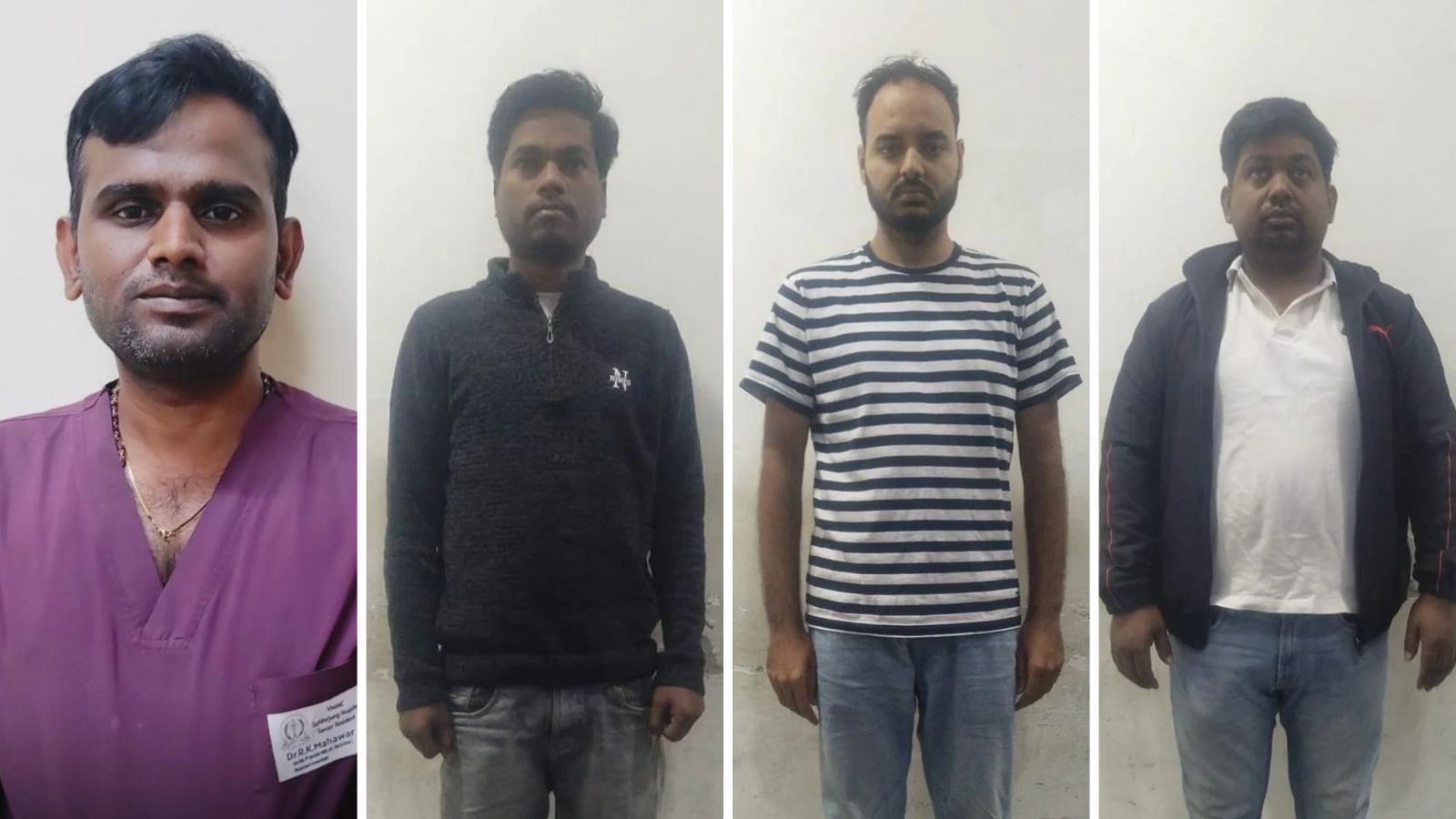
Rajasthan SOG Busts Interstate Racket Selling Forged Medical Degrees; Class 11 Dropout Posed as Doctor at Safdarjung

Four Killed in Rohtak Hotel Shooting; Police Investigate Alleged Honey-Trap Ambush
Delimitation Bill Framed as Trojan Horse to Reshape India's Electoral Map

Vijay's TVK Labels Stalin 'Savarkar 2.0' in Sharp Delimitation Offensive

Rohit Sharma Reveals Reluctance Behind Mumbai Indians Captaincy Return
